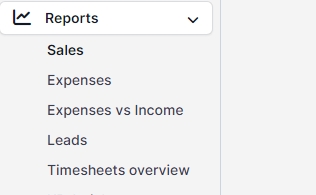
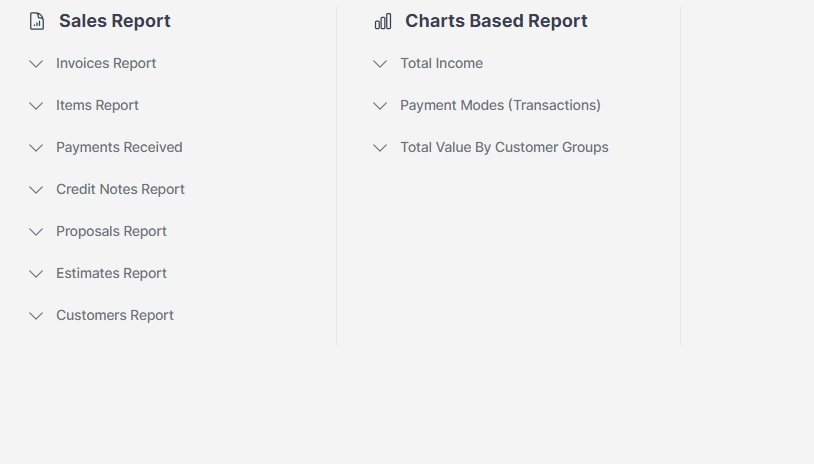
Customer reports can be generated using the Reports feature in Zuriey CRM. To create a report, select the report type as Customer and specify the desired reporting period for the client data you wish to view. A comprehensive report containing all customers will be generated, allowing you to easily search for the specific client whose report you need.
Note: If you have invoices in different currencies, you will also need to select the appropriate currency. By default, the report will be based on your base currency, which can be configured in Setup -> Finance -> Currencies.
Generating Customer Reports from the Profile
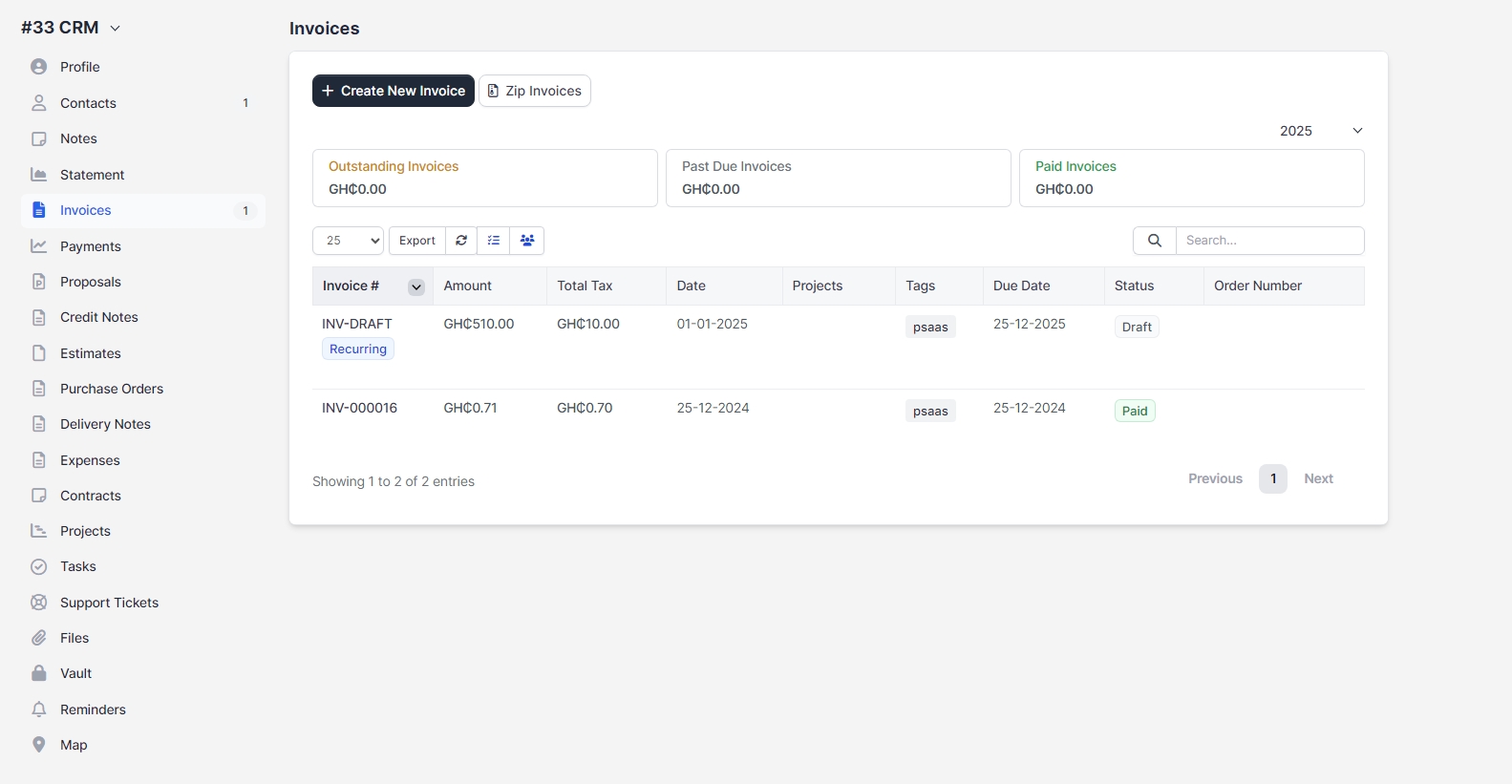
To generate a customer report directly from a profile, navigate to the specific customer profile and click on the Invoices tab. This allows you to view detailed invoice information related to that customer, providing valuable insights into their transactions and history within Zuriey CRM.