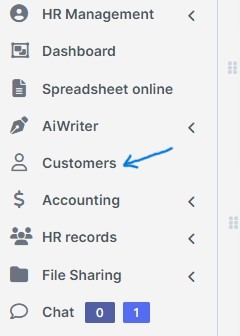
To add a new customer in Zuriey CRM, log into the dashboard and click on the Customers tab. On the left side, you will find a button labeled New Customer.
Permissions
You can set specific permissions for each customer within the customer portal. For instance, if you disable the support system, that customer will not have access to it, whereas enabling it will allow them to utilize the support features.

Billing & Shipping
Billing and shipping information is crucial for generating invoices and estimates. If a customer has a different shipping address for invoices, ensure you fill in the shipping fields as well; these will be automatically included when creating a new invoice.
Advanced Options
In the advanced options section, several fields are available for customization.
- Groups: Organize your customers into groups to facilitate reporting and identify which customer segments are most valuable.
- Currency: If the currency differs from the system's default, selecting a customer will automatically adjust the currency for estimates and invoices. Note that you cannot change the custom currency if transactions are present.
- Language: For businesses operating in multiple languages, you can set a different language for each customer. When they log in, all content will be translated based on your configurations. By default, all generated PDF documents from the admin area are in the system's default language. To output client PDF documents in the customer's language, navigate to Setup -> Settings -> Localization and enable this option.
After filling out all necessary data, click Submit. You also have the option to send a welcome email using the template configured in Settings Menu -> Email Templates under the clients section. Your client can now access their area by visiting crm.zuriey.com/path/ps/. Additionally, you can quickly add new customers using the Quick Insert button located on the top left of the dashboard menu. This streamlined process enhances efficiency within Zuriey CRM, ensuring that managing customer relationships is both effective and user-friendly.