You can easily manage customer registration in Zuriey CRM by enabling or disabling this feature through the following path: Setup -> Settings -> Clients -> Allow clients to register.
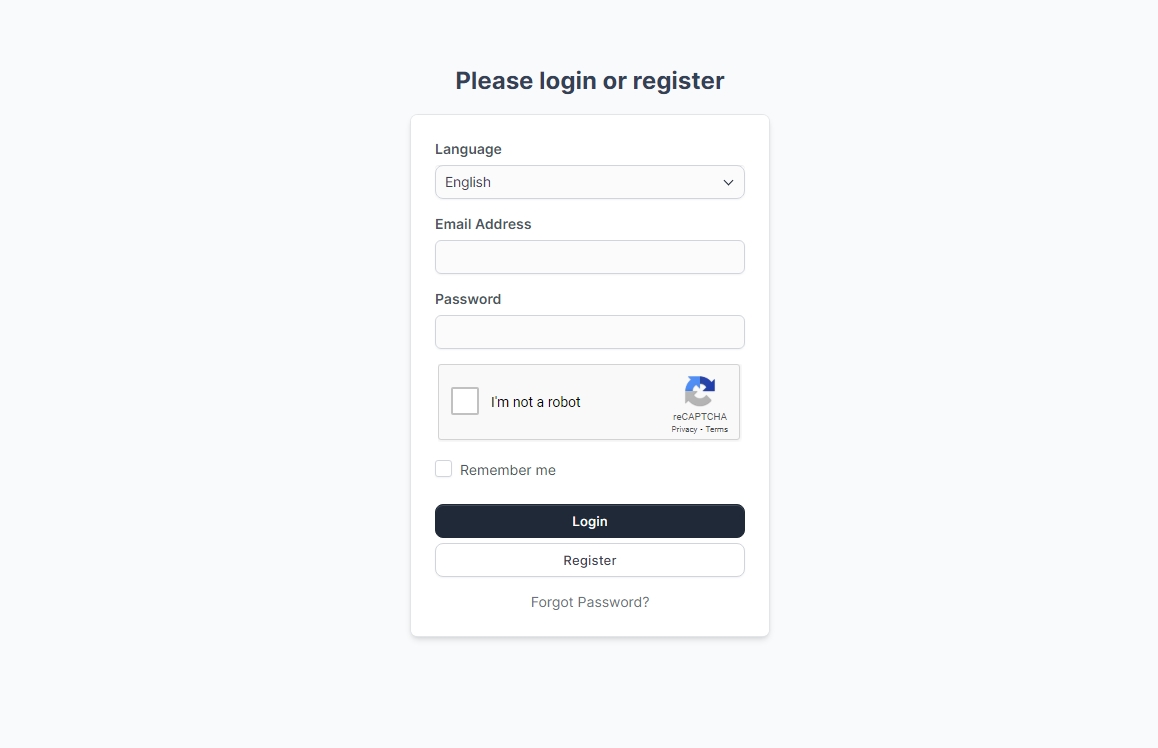
When enabled, your customers will have the ability to register at your base URL where Zuriey CRM path is installed, such as crm.zuriey.com/path/ps. The path to your client login can be found under settings, my account and view your account details to get to know it.
If you choose to disable customer registration, you will only be able to add customers manually from the admin area. This flexibility allows you to control how customers interact with your CRM, ensuring that you can manage registrations according to your business needs.