To export customer data in Zuriey CRM, follow these steps:
- Access the Customer Profile: Navigate to the specific customer profile from which you want to export data.
- Select the Tab: Click on the tab corresponding to the data you wish to export, such as Invoices.
- Filter Options: You can choose a specific status for the invoices or leave it set to All to include everything.
- Set Date Range: Optionally, you can select a Start Date and End Date. The date filter applies to the invoice, estimate, or payment date.
- Submit Your Request: Once you have made your selections, click on Submit. All invoices that match your criteria will be compiled and added to a .zip file for easy download.
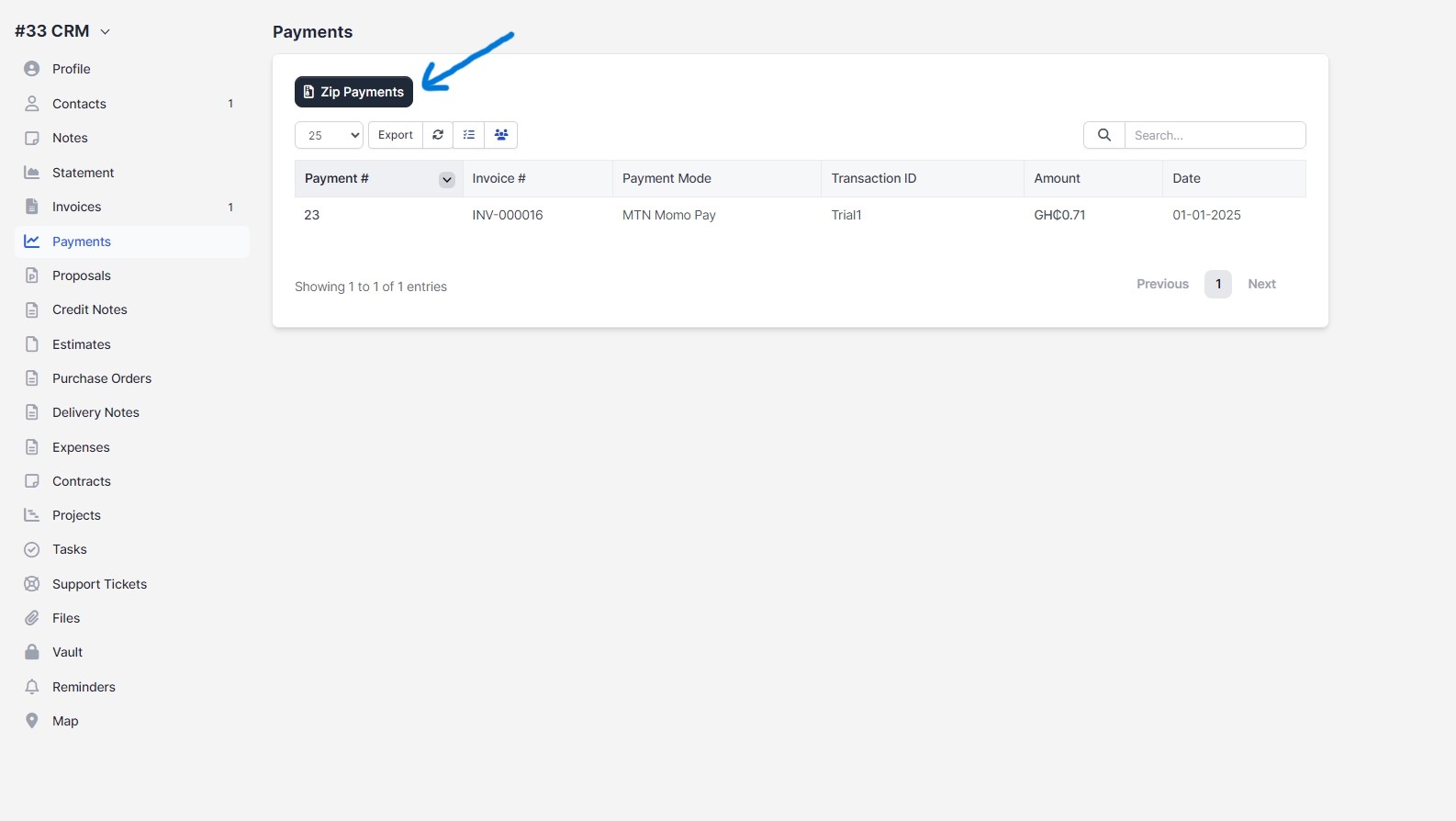
This streamlined process allows you to efficiently manage and export customer-related data within Zuriey CRM, making it easier to analyze and share important information.