If you want to restrict a staff member's permission to view all customers in Zuriey CRM, you can assign them as an admin for specific customers. This allows them to manage particular customer profiles without granting them general viewing permissions for all customers. Here’s how to do it:
Step 1: Access the Customer Profile
- Navigate to the customer profile from the admin area.
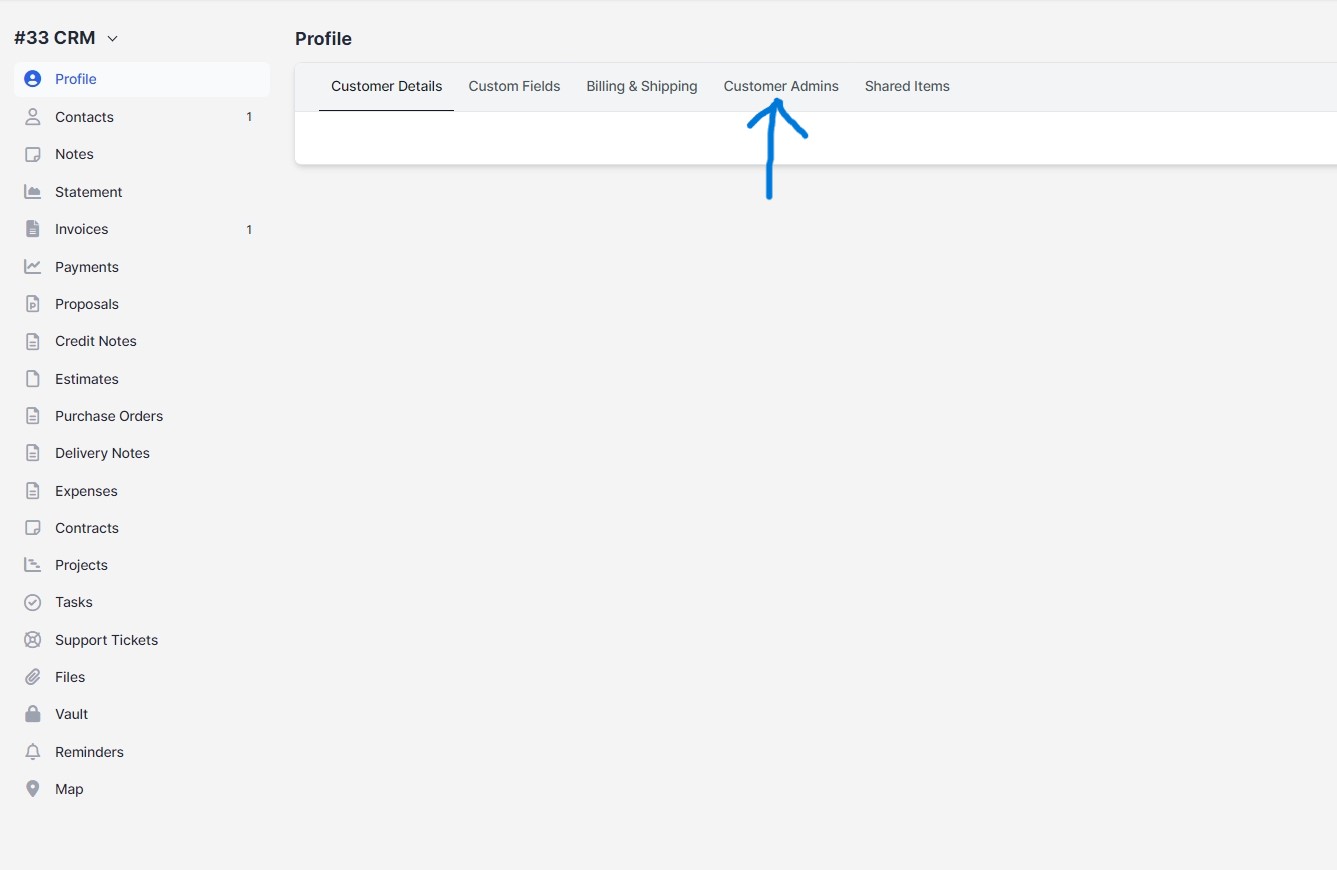
Step 2: Go to the Customer Admins Tab
- Click on the Customer Admins tab within the customer profile.
Step 3: Assign Admins
- Click on the Assign Admin button.
- Choose the staff member(s) you want to assign as admins for this specific customer.
Step 4: Save Changes
- After selecting the desired staff members, click Save to apply the changes.
Once you have completed these steps, the assigned staff member(s) will have access to view and manage this specific customer along with the associated customer menu items, even without having the general Customers VIEW permission. This feature enhances your ability to control access while ensuring that your team can effectively manage customer relationships.